The Quarterly SaaS Audit Nobody Has Time For — And How to Do It in One Conversation

The Subscription List Nobody Can Actually Name
Ask any small business owner to list every SaaS tool their company pays for, and watch them stall out around item twelve. Not because they're careless — because it's genuinely hard to track. Someone signs up for a free trial to test a feature, forgets to cancel, and three years later it's still billing $29 a month to a card nobody checks closely. A contractor gets added to a project management tool for a six-week engagement and is still an active seat two years later. Marketing has a design tool, sales has a different one nobody remembers approving, and finance has no idea either exists.
This isn't a discipline problem. It's a math problem. Tools accumulate faster than anyone reviews them, and the review itself is tedious enough that it keeps getting pushed to "next quarter."
How We Got to 130+ Tools Per Company
The scale of this is bigger than most owners assume. The average company now runs over 130 SaaS applications — up from around 80 just a few years ago in 2020. Even small teams that think of themselves as lean commonly have 30 to 50 tools live at any given time: a CRM, a couple of communication apps, a handful of single-purpose utilities someone bought for one project, plus whatever the last hire brought over from their previous job.
The cost of that sprawl isn't trivial. Industry estimates put wasted SaaS spend at roughly 25-30% of the total software budget — unused licenses sitting on former employees' accounts, duplicate tools doing the same job in two departments, and subscriptions nobody remembers signing up for in the first place. For a business spending $4,000 a month across its software stack, that's over $1,000 a month evaporating with nothing to show for it.
The Audit Everyone Recommends and Nobody Repeats
The standard advice for fixing this is well established and not wrong: pull login activity from your identity provider, cross-reference it against your bank or card statements, flag anything with zero logins in the last two months, and cancel or consolidate. Growth-stage companies increasingly treat this as a quarterly ritual rather than an annual one — and for good reason. Subscriptions change too fast for a once-a-year review to mean anything. By the time you finish an annual audit, half the findings are already stale; new tools have been added, old ones renewed, seats reassigned.
The problem is that "quarterly" audit rarely survives contact with a busy quarter. Pulling login exports from a dozen different admin panels, matching them against bank transactions line by line, and building a spreadsheet to make sense of it all is a half-day project minimum — often closer to a full day once you chase down who actually owns each tool. It's exactly the kind of task that's important but never urgent, which means it's the first thing that gets bumped when anything else comes up. So it doesn't happen quarterly. It happens whenever someone finally gets frustrated enough, which for most small businesses is never.
What a Real Audit Actually Requires
Doing this properly means answering a few specific questions, repeatedly:
- What are we paying for that nobody has logged into or used in the last 60 days?
- What recurring charges over $50 hit our bank account this month, and do we know what they're for?
- Where do we have two tools doing the same job?
None of these questions are hard to answer in principle. What makes them hard in practice is that the answers live in different systems — a bank feed, a spreadsheet someone built two years ago, an inbox full of renewal receipts — and stitching them together by hand is the actual work. It's not that the audit is conceptually difficult. It's that it's tedious enough to be worth automating, if there were a reasonable way to do that.
How Pulse AI Helps
This is a case where the fix isn't a new dashboard or another tool to add to the pile — it's replacing the manual stitching-together with a direct question. Pulse AI is the chat-based analyst built into every Pulse account, and it works with the same sources the audit already needs: your bank statements (uploaded as OFX, QFX, or CSV files, with direct bank connections coming soon), plus Google Sheets, email, and built-in connectors spanning productivity, communication, and databases.
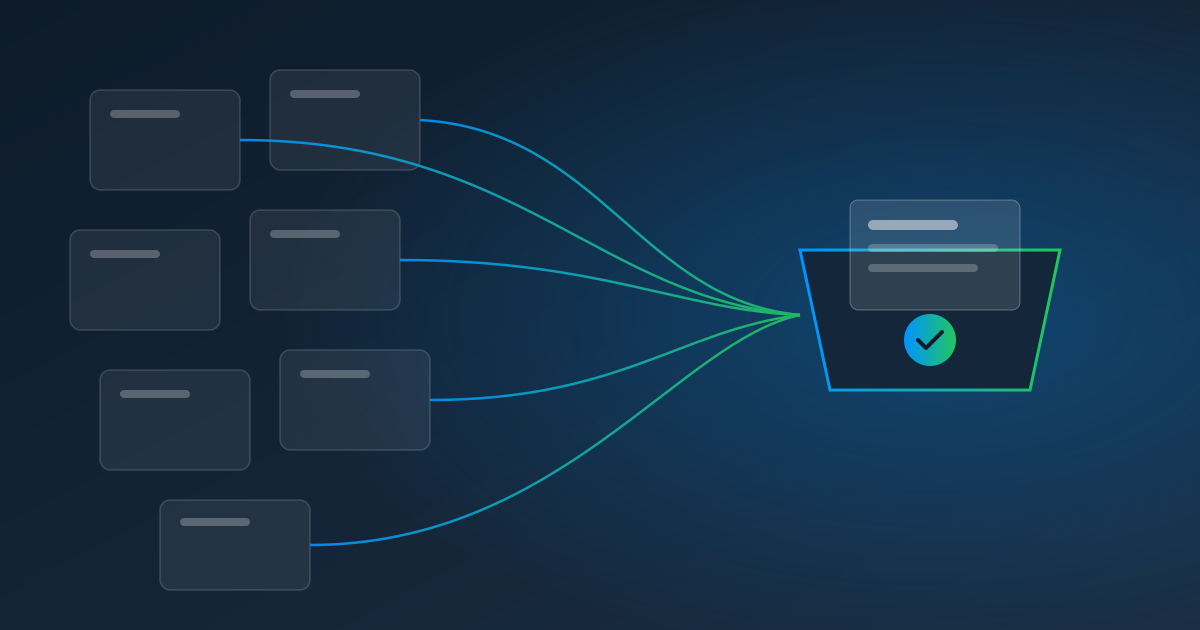
Instead of building another spreadsheet, you ask directly: "List every recurring charge over $50 on our bank statements this quarter" or "What subscriptions haven't shown activity in the last 60 days?" Pulse AI reads the transactions and gives you a straight answer — with a chart if you want one. If a tool's usage data lives in a spreadsheet someone maintains by hand, upload it and Pulse AI will cross-reference it against the bank data in the same conversation. In a conversation, nothing gets sent or changed without a confirmation step, so it's a research tool first, not something quietly canceling subscriptions on your behalf.
That turns a half-day spreadsheet project into a two-minute conversation. And if you let AutoPull download your statements on a schedule, you're not manually re-exporting data every time you want to check.
The Irony of AI-Priced Software
There's a wrinkle worth naming honestly: one of the biggest drivers of 2026 SaaS price increases is vendors bolting "AI features" onto existing tools and charging extra for them — new credits, tokens, or usage meters stacked on top of your existing subscription. So the tools meant to help you control software costs are, in some cases, actively adding to them.
Pulse AI doesn't hide its pricing behind a bundled tier. It runs on a flat $0.05 per AI unit, usage-based, with $5 off your first Pulse AI invoice and a monthly spending cap you can set for each person. There's no separate product to sign up for and add to the audit you're trying to run — it's already part of any Pulse account. That won't matter to every business, and if your stack is genuinely lean, an ad hoc question in a spreadsheet might be all you need. But if subscription sprawl is already a problem, adding another metered AI line item to fix it should at least be a line item you can see clearly, not one buried in a vendor's new pricing tier.
Put the Question on a Schedule
The real fix for "we should audit our SaaS spend more often" isn't willpower — it's not needing to remember to ask. Pulse AI's scheduled tasks let you define this check once, in plain English, and run it monthly on a timezone-aware schedule, with the results delivered straight to your email or phone. You can test it on demand first to make sure it's asking the right question, then let it run unattended.
Subscription sprawl isn't going away — the number of tools businesses run keeps climbing, and the vendors themselves have new incentive to raise prices under an AI banner. The way to keep it in check isn't a bigger spreadsheet. It's asking the question before it turns into a $1,000-a-month surprise.
Start your free trial and ask Pulse AI what you're actually paying for.
Learn more about Pulse AI, or see pricing.