RPA for Small Business: What It Really Costs to Automate Portal Downloads
"We Should Get a Bot for That"
Sooner or later, every growing business looks at a repetitive computer task and says, "We should get a bot for that." Often the task is some version of: log in to a website, download a report, put the numbers somewhere useful. That's the textbook example of robotic process automation (RPA) — and it's also where RPA can be more platform than the problem needs.
This post breaks down what RPA really costs for a small business, where it's the right tool, and when a lighter option will do.
What RPA Is Good At
RPA tools record and replay what a person does on a computer — clicking, typing, copying between applications. Their strength is breadth: a bot can move data between a desktop accounting package, a web portal, a spreadsheet, and an email inbox in one flow. For complex, multi-application processes, that's genuinely powerful.
Where the Costs Come From
The license is the number everyone looks at first, but it's rarely the biggest cost. A realistic RPA budget includes:
- Licensing. Most RPA platforms price per user or per bot. Bots that run unattended — on a schedule with no one watching — are typically priced well above the attended versions. Check the vendor's current price list; it changes often.
- Somewhere for the bot to run. Unattended bots need a machine or virtual machine that's on, signed in, and patched when the schedule fires.
- Building the bot. Someone has to design each automation: the logins, the waits, the error handling. That's either a specialist's time or a consultant's invoice.
- Maintenance. Websites change. Every redesign, new cookie banner, or new verification step can break a bot, and a broken bot usually fails quietly until someone notices the missing report.
- Two-factor logins. Each portal's second factor has to be engineered into the bot, and text-message codes often can't be automated at all.
None of this makes RPA a bad choice. It makes it an expensive choice for a job that's just "sign in and download."
The Questions to Ask Before You Buy
- Is the process mostly log in → navigate → download, or does it really span several applications?
- How many websites, and how often does each one run?
- Who will fix a bot when a website changes — and how fast?
- How will you know a run failed?
- Where will the passwords and two-factor secrets live?
If your answers are "mostly downloads," "a few dozen sites," and "we don't have a bot specialist," you may not need RPA at all.
A Lighter Alternative for Login-and-Download Work
Pulse AutoPull is built for exactly the login-and-download slice of RPA:
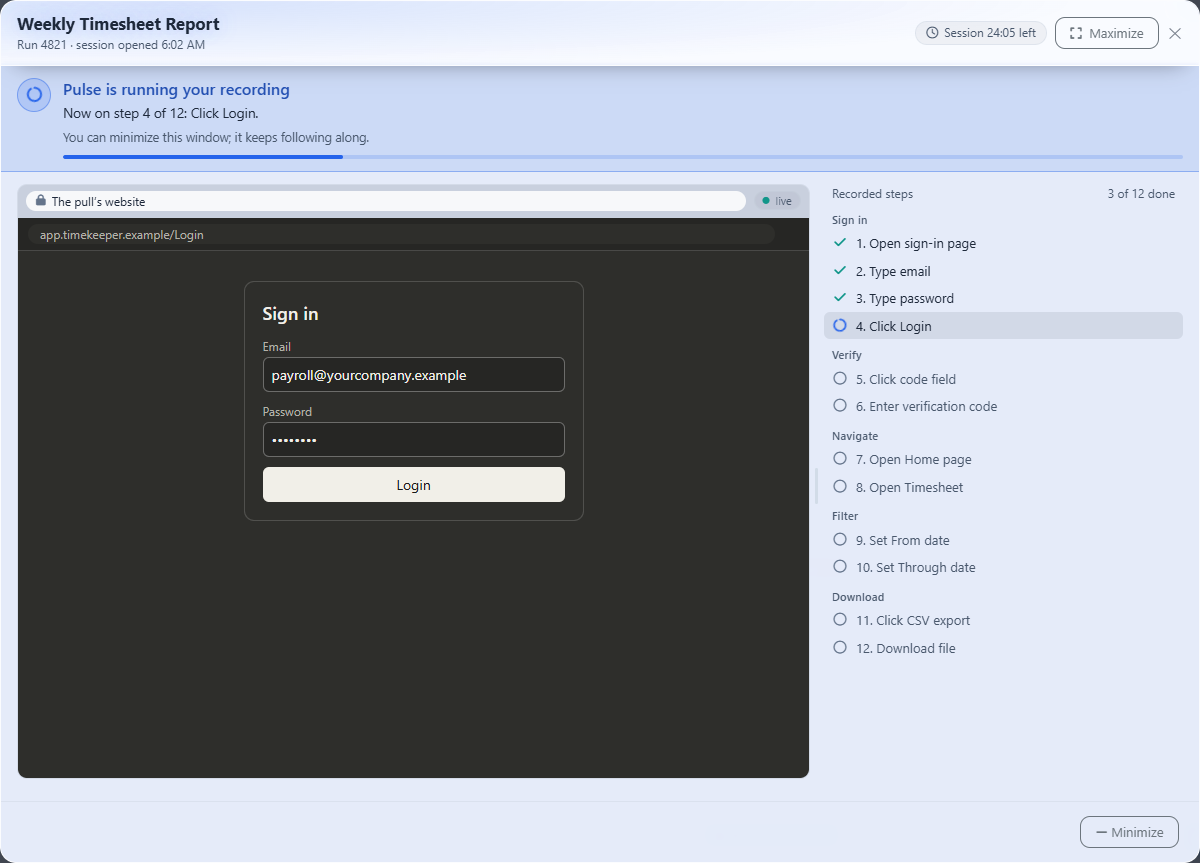
- No bot to build. You record the task once in a secure browser inside Pulse; each click becomes a plain-English step.
- No machine to babysit. Pulls run from the cloud on your schedule — daily, weekly, monthly, or on demand — in your time zone.
- Two-factor built in. Authenticator-app and emailed codes are automatic; text-message codes go to a person.
- Breakage gets a person, fast. When a website changes, Pulse pauses and alerts the teammate you choose, who fixes the step in a live view. Pulse continues and can remember the fix.
- Extraction included. Downloaded files flow straight into Pulse Data Automation and out through your API and webhooks.
Comparing the Cost Models
| Typical RPA | Pulse AutoPull | |
|---|---|---|
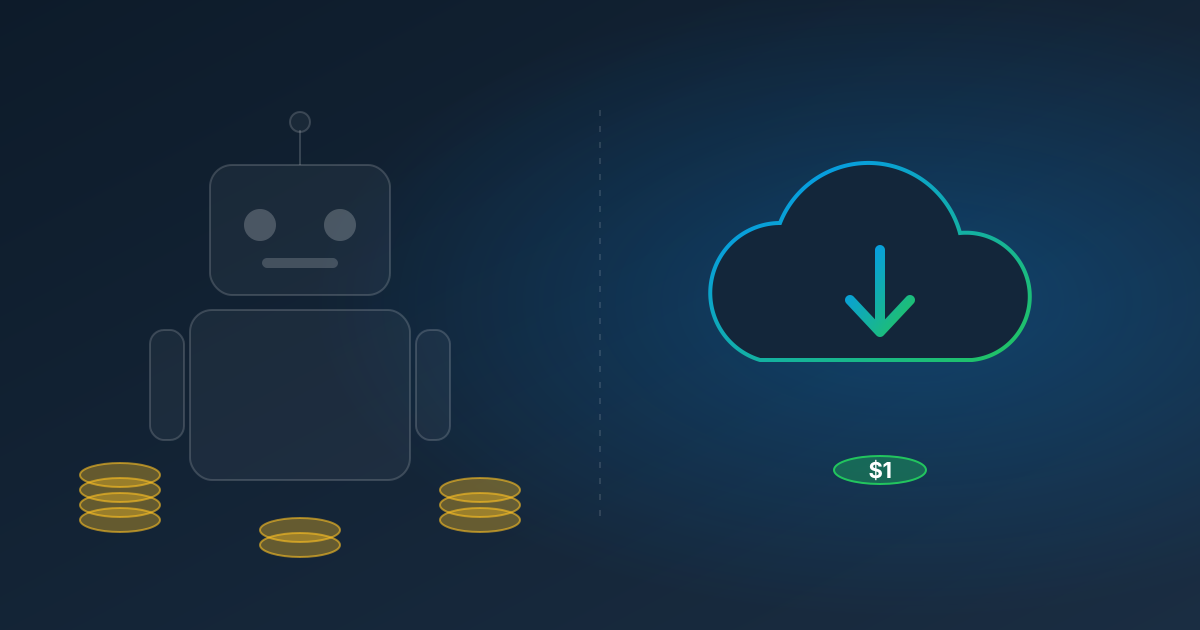
| Pricing model | Per user or per bot, monthly or annual | $1.00 per website pull |
| Build | Specialist designs each bot | Record it yourself |
| Infrastructure | A machine for unattended bots | Hosted for you |
| Two-factor logins | Engineered per site | Authenticator & emailed codes automatic |
| Idle months | Same license fee | $0 |
| Best for | Complex, cross-application processes | Recurring report, invoice, and statement downloads |
For example: twenty portals pulled monthly cost $20 in AutoPull pulls, plus $0.25 per page for the documents Pulse reads. Compare that with your RPA quote — including the build and the maintenance — and you'll know quickly which side of the line your use case falls on.
When RPA Is Still the Right Answer
If you need to automate inside desktop applications, move data between many systems in one flow, or orchestrate processes with complex branching, a full RPA platform is worth considering. Many businesses use both: RPA for the complex processes, and a pay-per-pull service for the simple, high-volume downloads that don't justify a bot.
Try the Lighter Option First
Start a free trial, record one of the downloads you were going to build a bot for, and see whether it covers the job before you sign a license.
Read next: Web Scraping vs. RPA vs. Recorded Website Pulls, or see AutoPull pricing.